


In 2025, managing your social media presence is no longer optional—it’s essential for growing your brand online. But with so many platforms and content types, posting manually every day can be overwhelming. That’s why learning how to schedule social media posts 2025 is key to saving time, staying consistent, and boosting engagement.
This comprehensive guide will walk you through the best tools, strategies, and tips to schedule your social media posts effectively in 2025.
Why Scheduling Social Media Posts Matters
Social media moves fast. Your audience expects regular, valuable content, and missing out on optimal posting times can cost you visibility. Here’s why scheduling posts is a smart strategy:
-
Saves time by batching content creation
-
Ensures consistency across platforms
-
Helps post at peak engagement times
-
Makes it easier to plan campaigns in advance
-
Allows you to maintain presence even on busy days or holidays
Whether you’re a business owner, marketer, or influencer, scheduling posts gives you more control over your online brand.
Read Also:- SEO Agency Melbourne 2025 – The Ultimate Guide to Choosing the Best Partner for Your Business
Best Social Media Scheduling Tools in 2025
In 2025, social media scheduling tools are more powerful than ever. Here are the top tools professionals are using:
1. Buffer
Buffer remains a popular choice for small businesses and creators. It allows you to schedule posts across Instagram, Facebook, X (formerly Twitter), LinkedIn, and Pinterest. New features in 2025 include AI-powered caption suggestions and optimal timing insights.
2. Hootsuite
Hootsuite offers robust scheduling, monitoring, and analytics tools for agencies and enterprises. Its 2025 updates include TikTok integration and improved team collaboration features.
3. Later
Later is great for visually planning Instagram and TikTok posts. In 2025, it also supports scheduling YouTube Shorts and Instagram Reels.
4. Sprout Social
Sprout Social offers powerful scheduling combined with customer engagement tools, making it ideal for brands needing social CRM features.
5. Canva Scheduler
For businesses focused on visual content, Canva Scheduler lets you design and schedule posts directly from Canva’s editor.
6. Native Platform Scheduling
Many platforms now offer built-in scheduling in 2025, including Facebook Creator Studio, LinkedIn scheduling, and Pinterest’s native scheduler.
How To Schedule Social Media Posts 2025 (Step-by-Step)
Here’s a simple process to schedule your social media posts effectively:
Step 1: Define Your Content Strategy
Before you schedule anything, clarify:
-
Your goals (brand awareness, traffic, sales)
-
Your target audience
-
Content themes or pillars
-
Platforms you’ll focus on
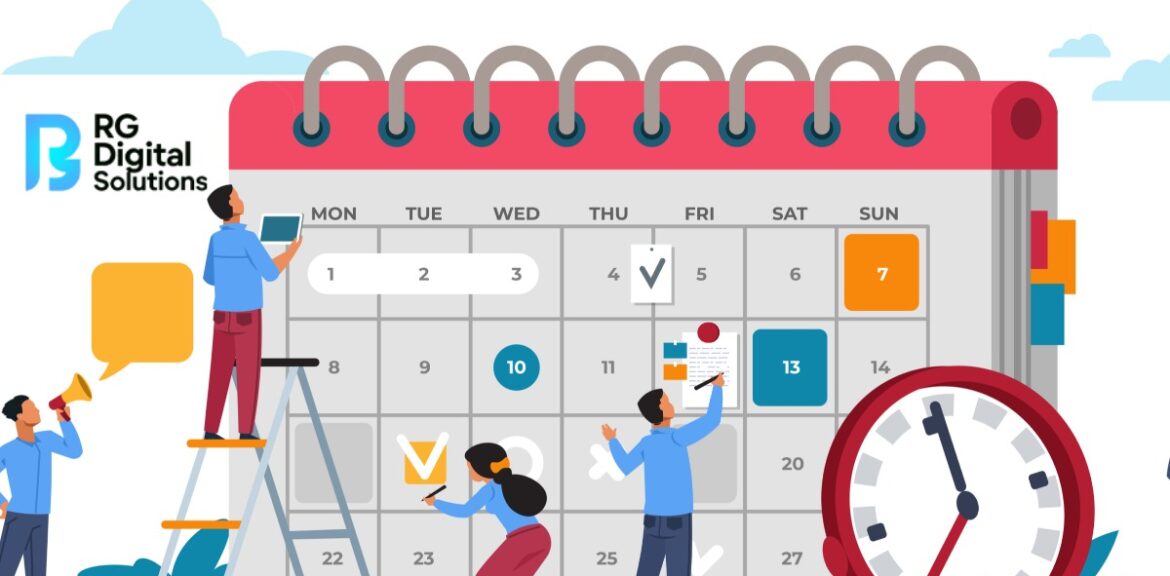
Step 2: Create a Content Calendar
Plan posts ahead using a content calendar. Map out:
-
Key dates (holidays, product launches)
-
Campaign timelines
-
Post frequency for each platform
-
Content formats (images, videos, stories)
Step 3: Batch Create Content
Set aside time to create multiple posts at once:
-
Write captions
-
Design graphics or videos
-
Source photos or stock images
-
Prepare hashtags
Batching saves time and ensures consistency.
Step 4: Choose a Scheduling Tool
Pick a tool that fits your budget and needs. For example:
-
Solopreneurs: Buffer, Canva Scheduler
-
Small teams: Later, Hootsuite
-
Large brands: Sprout Social
Step 5: Upload and Schedule
Add your content to the tool:
-
Upload visuals
-
Paste captions
-
Choose dates and times
-
Preview posts
Most tools recommend best posting times based on audience activity.
Step 6: Monitor and Adjust
Scheduled doesn’t mean set-and-forget. Check analytics weekly to see:
-
Which posts perform best
-
What times drive the most engagement
-
Which platforms bring the most traffic
Use insights to adjust future scheduling.
Best Practices for Scheduling Social Media Posts in 2025
Scheduling saves time, but you still need a smart strategy. Follow these tips:
-
Mix scheduled posts with real-time content for authenticity
-
Stay flexible—pause or reschedule in response to breaking news
-
Avoid over-automation; engage with comments manually
-
Double-check captions for accuracy and relevance
-
Tailor content for each platform’s audience and format
Common Mistakes to Avoid
Many brands struggle because they:
-
Use the same caption on every platform
-
Forget to update scheduled posts for changes
-
Post at the wrong times without checking analytics
-
Ignore replies and engagement
-
Over-post or under-post inconsistently
Avoid these mistakes to maximize scheduling success.
Social Media Scheduling Trends in 2025
Social media is always evolving. In 2025, these trends are shaping scheduling strategies:
AI-Driven Content Suggestions
Many tools now use AI to suggest captions, hashtags, and content ideas based on your audience and competitors.
Video-First Scheduling
Video content like Reels, TikTok, and Shorts dominates engagement. Scheduling platforms now prioritize short-form video.
Multi-Platform Campaign Management
Marketers are moving from single-post scheduling to coordinated campaigns across multiple platforms.
Interactive Content Scheduling
Tools now support scheduling polls, quizzes, and interactive stories to boost engagement.
How Often Should You Schedule Posts?
There’s no universal answer, but here’s a starting point for 2025:
-
Instagram: 3–5 posts per week + daily stories
-
Facebook: 3–5 posts per week
-
LinkedIn: 2–4 posts per week
-
TikTok: 3–7 posts per week
-
X (Twitter): 1–3 posts per day
-
Pinterest: 5–10 pins per day
Test and adjust based on your audience.
FAQs About Scheduling Social Media Posts
Q1. Can I schedule Instagram Reels and TikTok videos?
Ans. Yes, in 2025, most major scheduling tools will allow scheduling of Instagram Reels and TikTok videos directly.
Q2. Is it better to schedule posts or post manually?
Ans. Scheduling ensures consistency and saves time, but mixing in manual posts for trending content keeps your feed authentic.
Q3. Does scheduled posting affect reach?
Ans. No—platforms like Instagram and Facebook don’t penalize scheduled posts, as long as you follow community guidelines.
Q4. How far in advance should I schedule posts?
Ans. Most brands schedule posts 1–4 weeks ahead. Avoid scheduling too far ahead to stay relevant.
Q5. Can I edit a post after it’s scheduled?
Ans. Yes, most tools let you edit scheduled posts before they’re published. After posting, editing depends on the platform’s rules.
Q6. Should I schedule posts at the same time every day?
Ans. It’s better to vary posting times based on when your audience is most active. Use analytics to find optimal times.
Q7. Do free scheduling tools work well?
Ans. Free tools work for basic needs, but paid tools offer better features like analytics, team collaboration, and more platform integrations.
Conclusion
In 2025, knowing how to schedule social media posts is essential for brands that want to stay competitive online. By using the right tools, creating a clear content calendar, and following best practices, you can save time, stay consistent, and grow your audience across platforms.
Whether you’re a small business, a content creator, or a large enterprise, scheduling posts strategically will help you work smarter—not harder—in the fast-paced world of social media.